Classic Sudoku,
Free on Windows
No ads. No internet. No subscriptions. Real puzzles with a unique solution every time — offline, on your desktop, free forever.
⬇ Download Free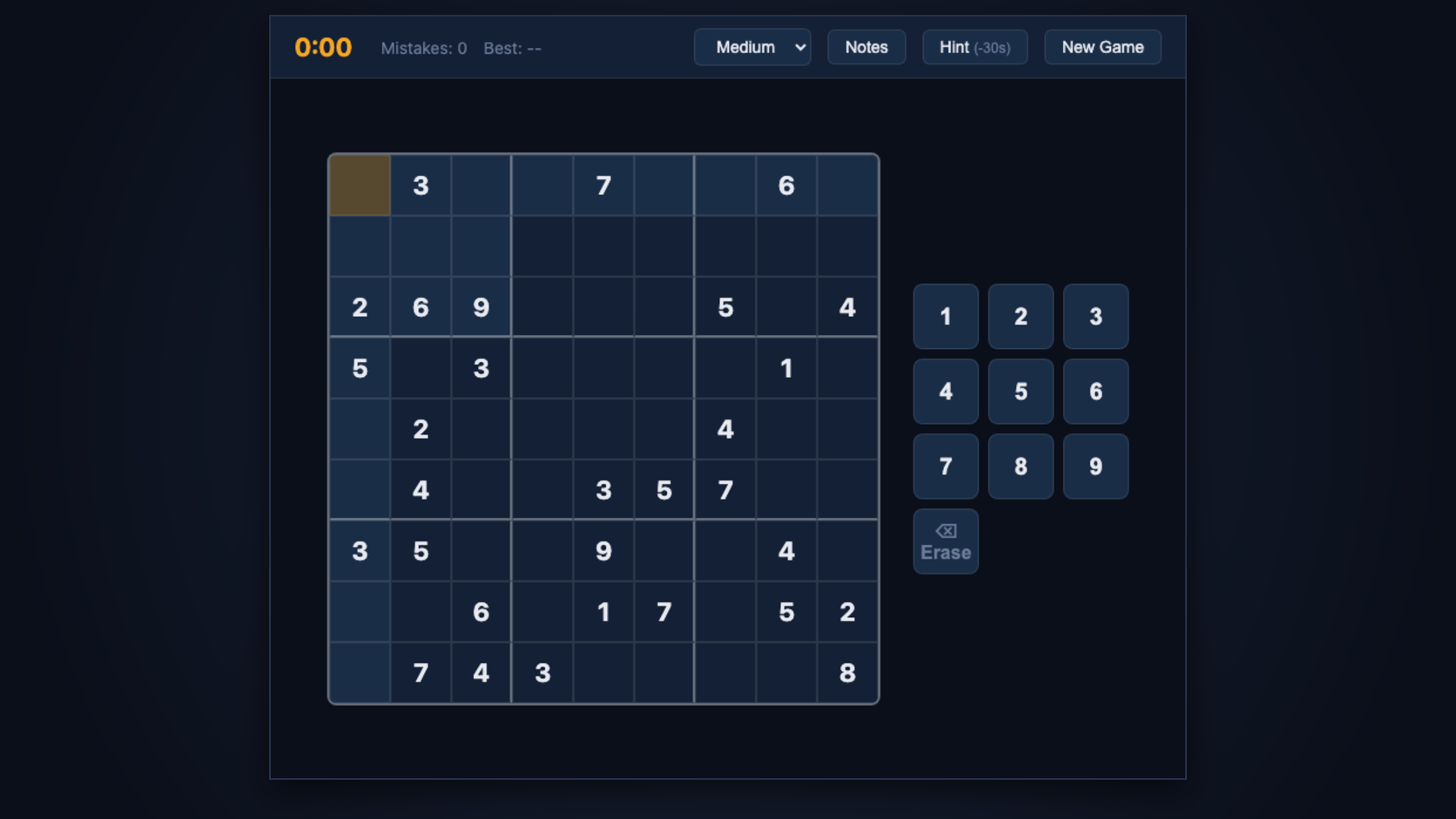
Built for the way you play
Zero Ads
Play without interruption. No banners, no pop-ups, no "watch a video to continue." Ever.
Fully Offline
Works without internet after install. Play on a plane, in a coffee shop — anywhere.
Three Difficulties
Easy, Medium, and Hard puzzles — every board has one unique, real solution.
Pencil Marks
Toggle Notes mode to jot down candidates in any cell, just like on paper.
Smart Hints
Stuck? Reveal a cell with a small time penalty — keeps the challenge fair.
Best Time Tracking
Your fastest solve per difficulty is saved locally, so you always know your record.
Playing in under two minutes
Download the installer
Click "Download Free" and run SudokuApp.exe — no account, no sign-up required.
Quick setup
The setup wizard completes in under a minute. One click and it’s done.
Solve your first puzzle
Open the app, pick a difficulty. Your grid is waiting — start playing immediately.
Runs on nearly any Windows PC
Minimum
- OS: Windows 10 (64-bit)
- CPU: Any dual-core
- RAM: 2 GB
- Disk: 50 MB free
Recommended
- OS: Windows 11 (64-bit)
- CPU: Intel Core i3 / Ryzen 3
- RAM: 4 GB
- Disk: 100 MB free
Ready to play?
Free forever. No ads. No internet required after install.
⬇ Download Free